
Ask about Auto Dialer — Multi-Slot Agent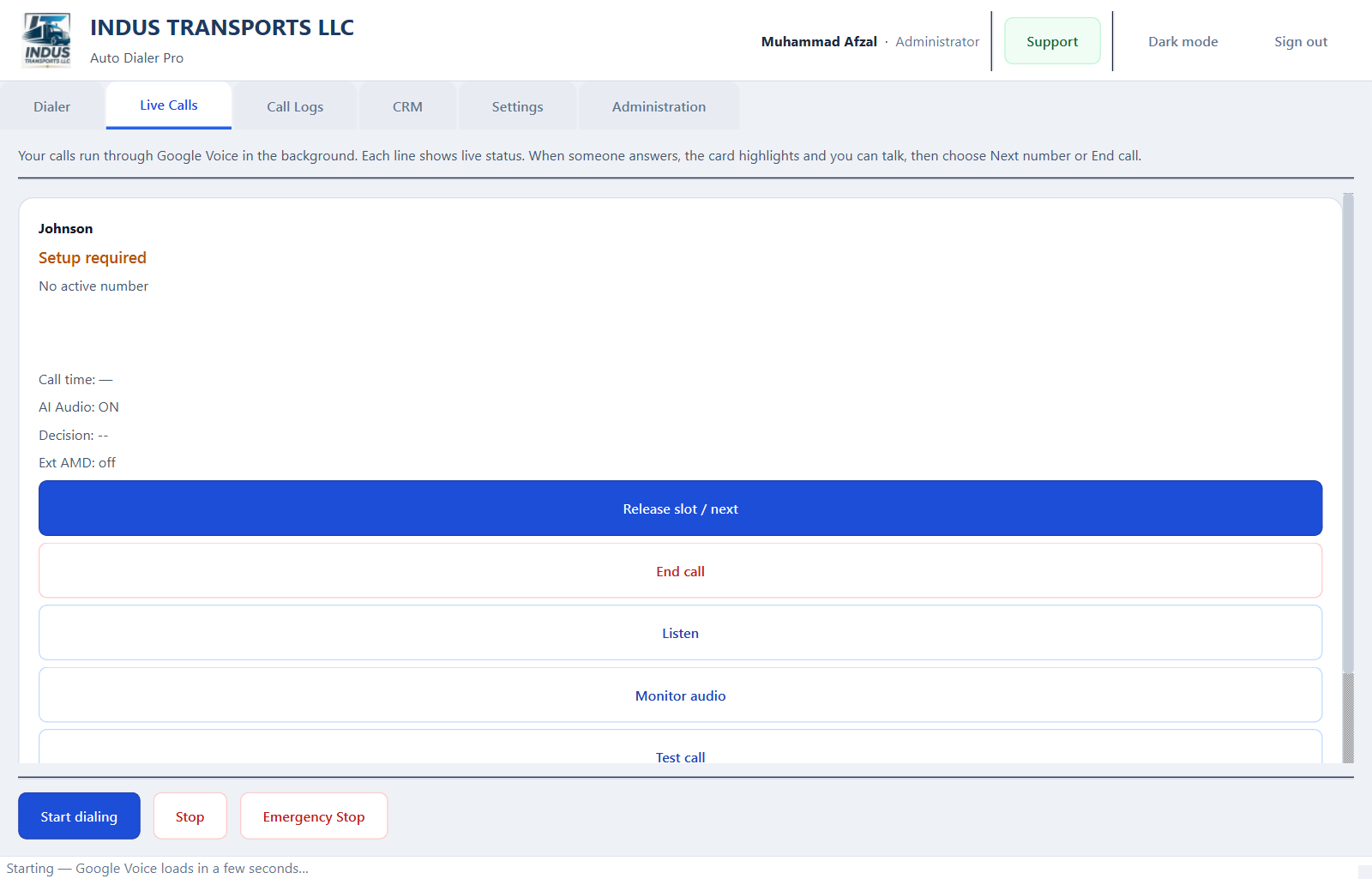
Download SETUP.txt
Auto Dialers
Auto Dialer — Multi-Slot Agent
5 parallel lines, agent sees only the picked call
Professional Windows auto dialer with up to 5 Google Voice slots running in parallel. The system dials across all lines but shows the agent only the call that was picked — others are automatically skipped.
PythonPyQt6Google VoiceAMD
Products / Auto Dialer — Multi-Slot Agent
- Up to 5 parallel dial slots
- Agent sees only picked call
- Auto-skip unpicked lines
- AMD voicemail detection
- Predictive pacing
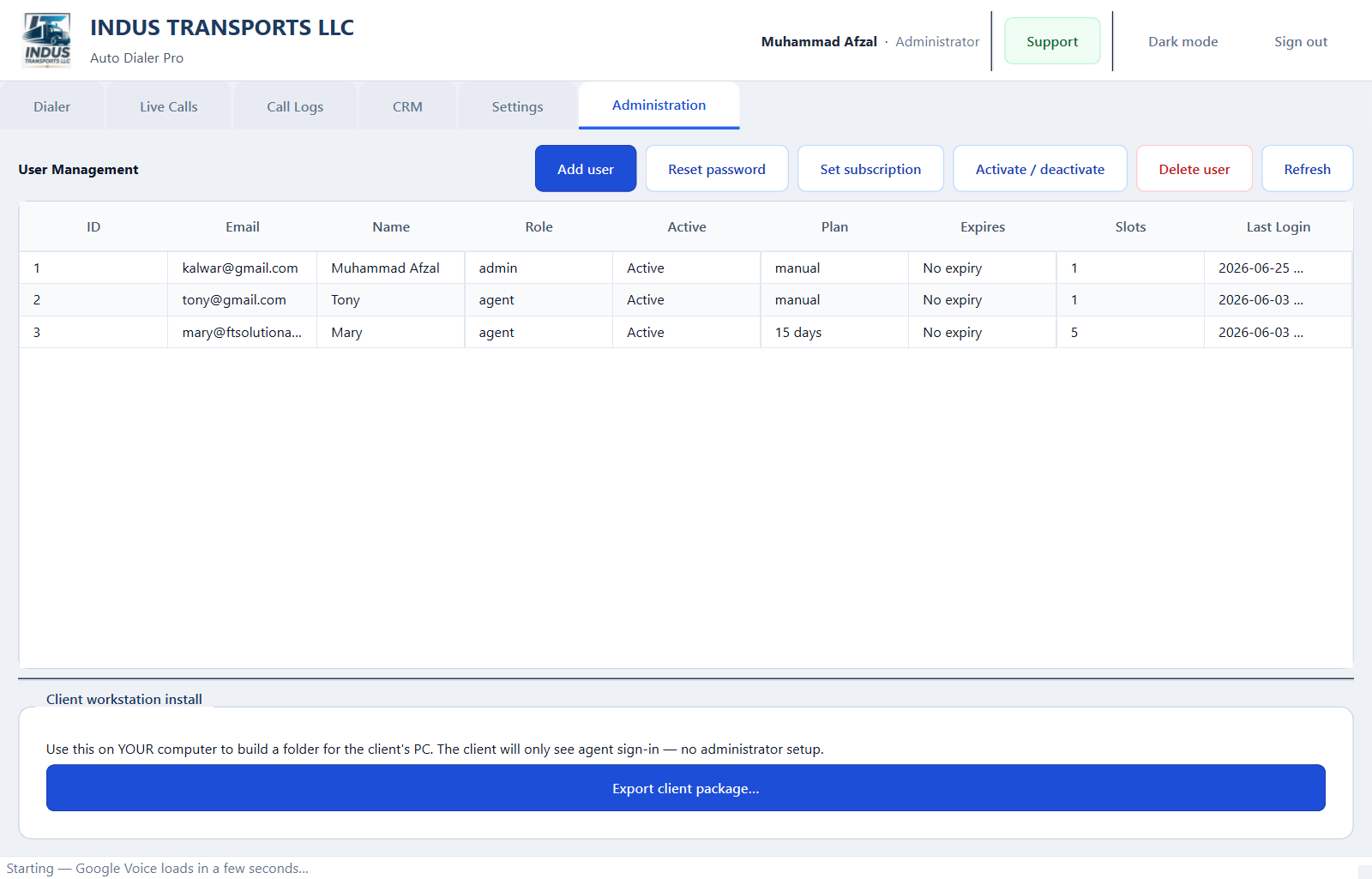
- Admin user management
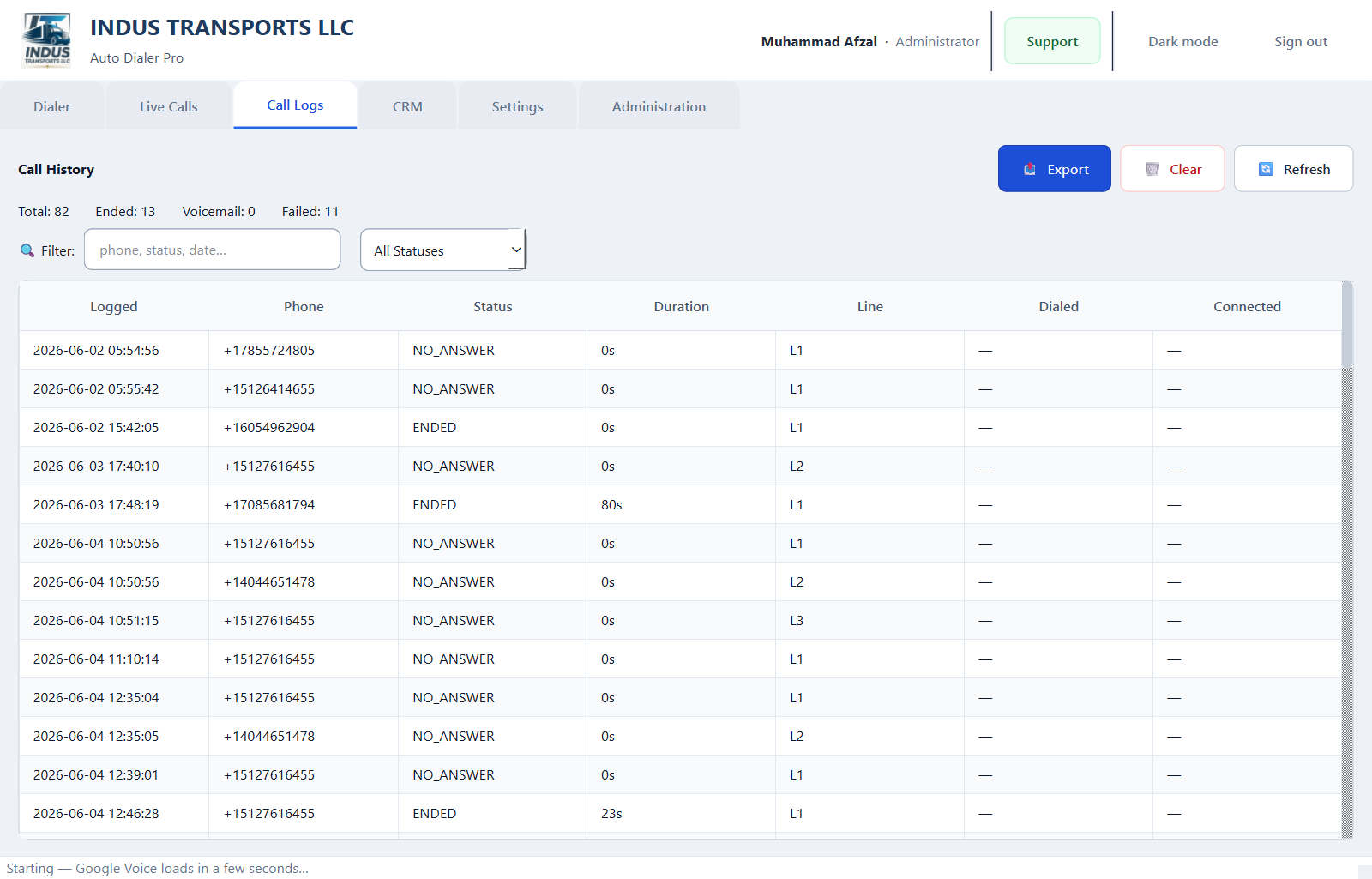
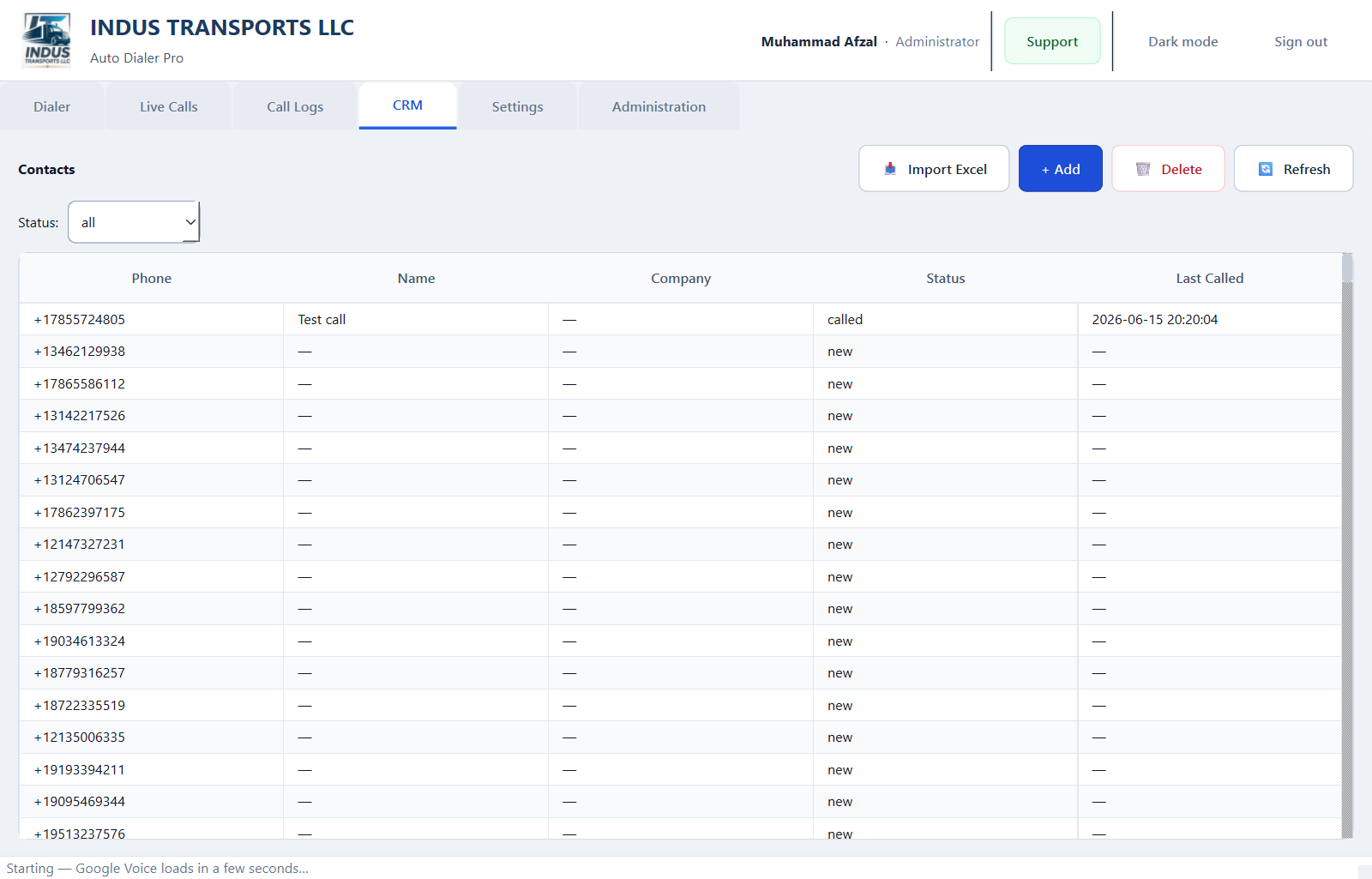
- CRM & call logs
Subscription license required
After admin approval, your download includes a signed indus-license-dialer-multi-slot.json file. The app verifies online on startup and locks when your period ends.
Choose a Plan
3 Slots
$79/month
- 3 parallel lines
- 5 agent seats
- AMD detection
- Call logs
30-day access · Requires admin approval
Popular
5 Slots
$129/month
- 5 parallel lines
- 15 agent seats
- Predictive pacing
- CRM
30-day access · Requires admin approval
10 Slots
$199/month
- 10 parallel lines
- Unlimited agents
- Admin dashboard
- Priority support
30-day access · Requires admin approval
Setup Guide
Follow these steps after your subscription is approved.
Requirements
- • Windows 10/11
- • Python 3.10+
- • PyQt6
- • Up to 5 Google Voice slots
Installation Steps
- Download ZIP from dashboard after approval.
- Run: pip install -r requirements.txt
- Launch: python autodialer_gui.py
- Sign in as agent or admin.
- Configure slots under Administration → add Google Voice accounts.
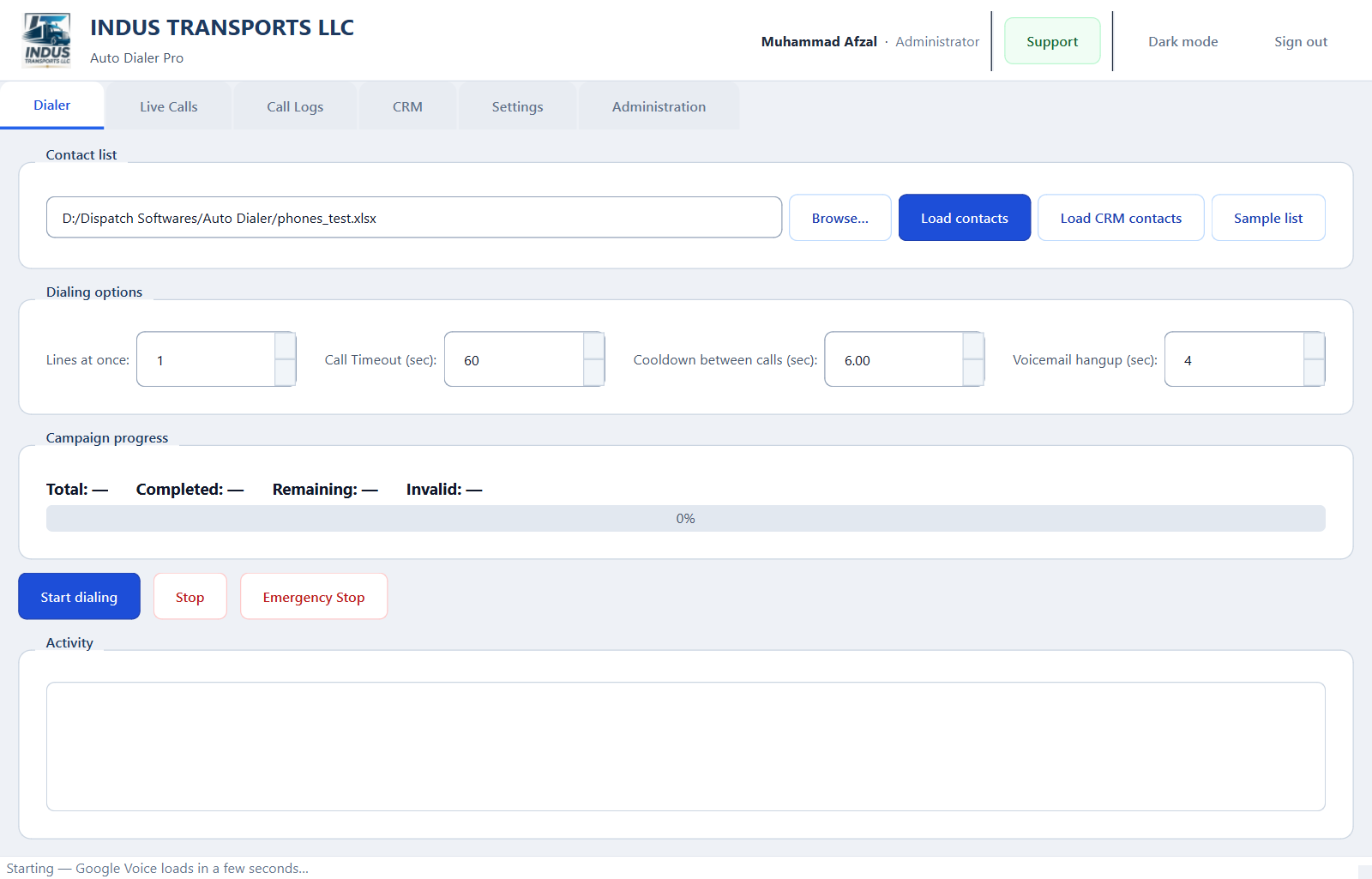
- Load contacts in Dialer tab → Start multi-slot campaign.
- Place license JSON next to the executable/script.
Need help? Email induswebagency@gmail.com or use the INDUS Guide chat (bottom-right).
Plan Comparison
| Feature | 3 Slots | 5 Slots | 10 Slots |
|---|---|---|---|
| Parallel dial slots | 3 | 5 | 10 |
| Agent single-call view | Yes | Yes | Yes |
| AMD voicemail detection | Yes | Yes | Yes |
| Predictive pacing | - | Yes | Yes |
| CRM module | - | Yes | Yes |