
Ask about Auto Dialer — DOM/BOM Starter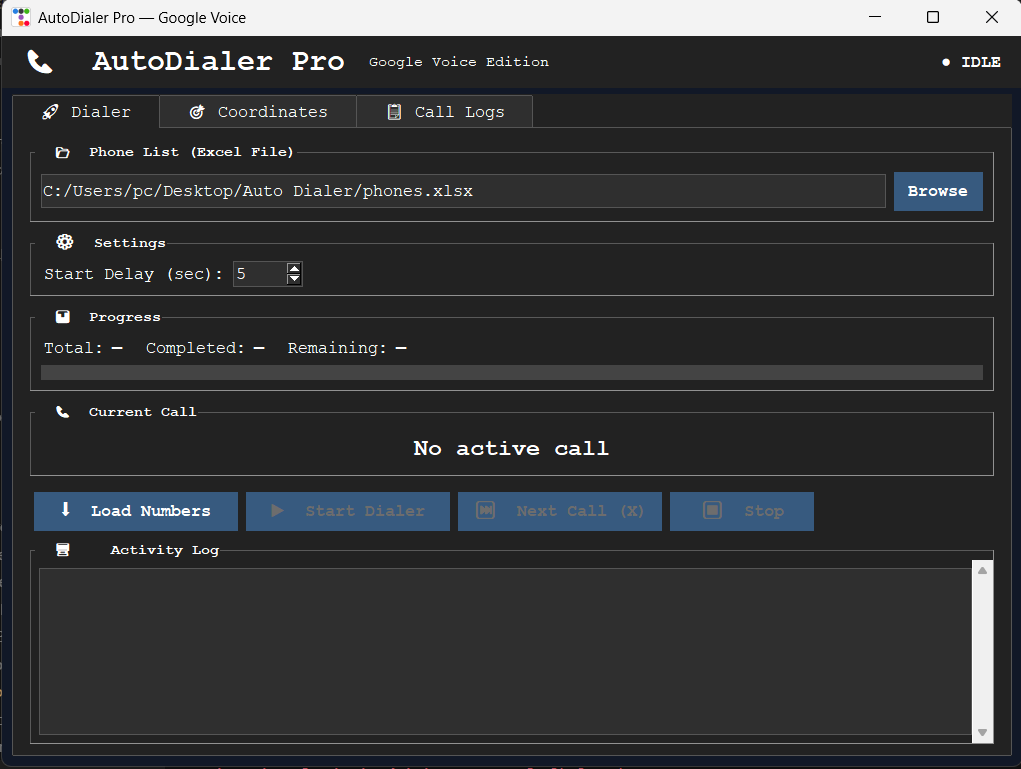
Download SETUP.txt
Auto Dialers
Auto Dialer — DOM/BOM Starter
PyAutoGUI desktop dialer with DOM automation
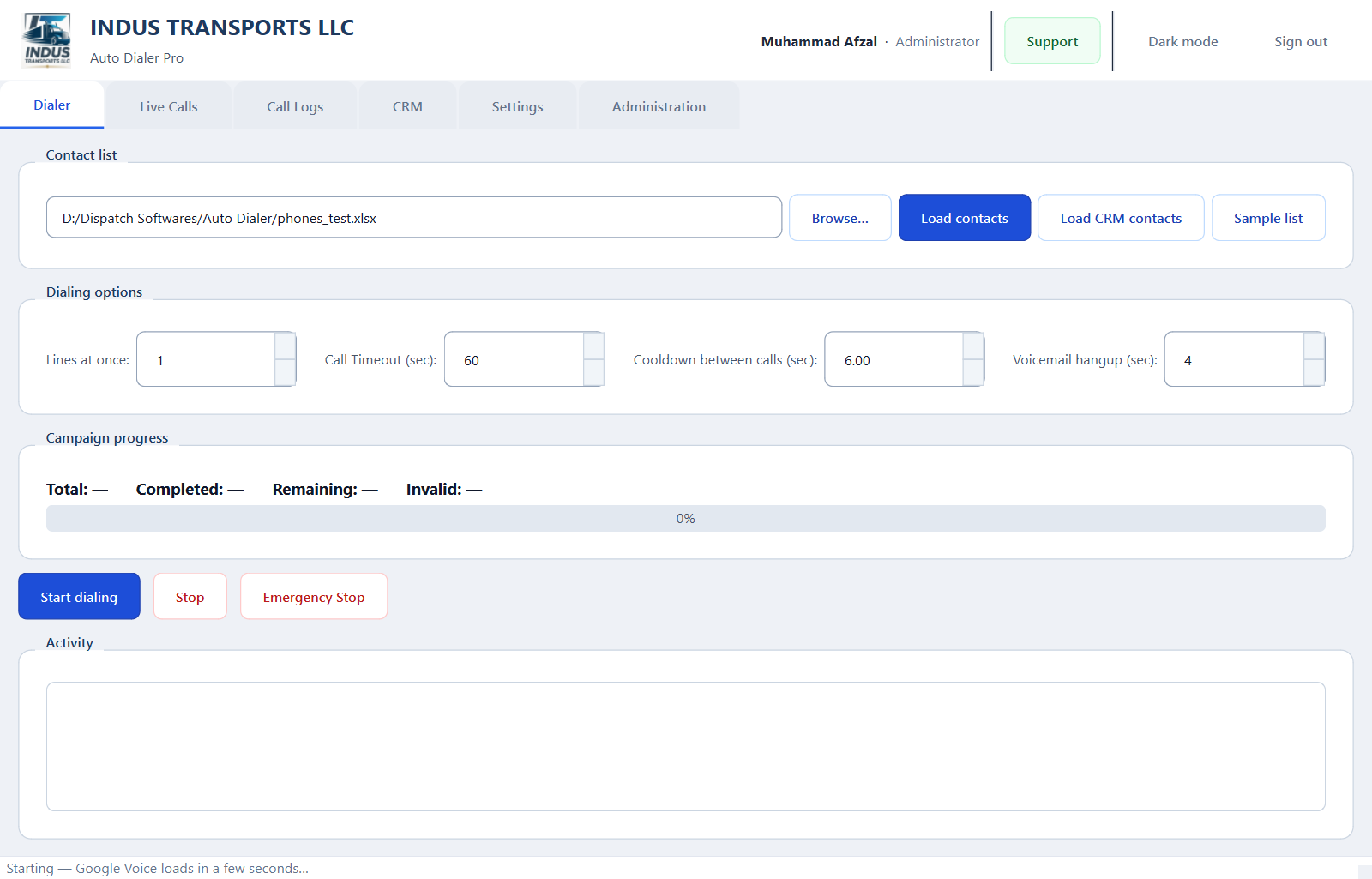
Python GUI auto dialer with Excel contact loading, automated dial pad control via PyAutoGUI, call logging, resume support, hotkeys, and DOM/BOM browser automation for Google Voice.
PythonPyAutoGUIPyQt6Selenium
Products / Auto Dialer — DOM/BOM Starter
- DOM/BOM browser automation
- PyAutoGUI dial pad control
- Excel contact import
- Call logging & CSV export
- Resume-safe calling
- Hotkey controls
Subscription license required
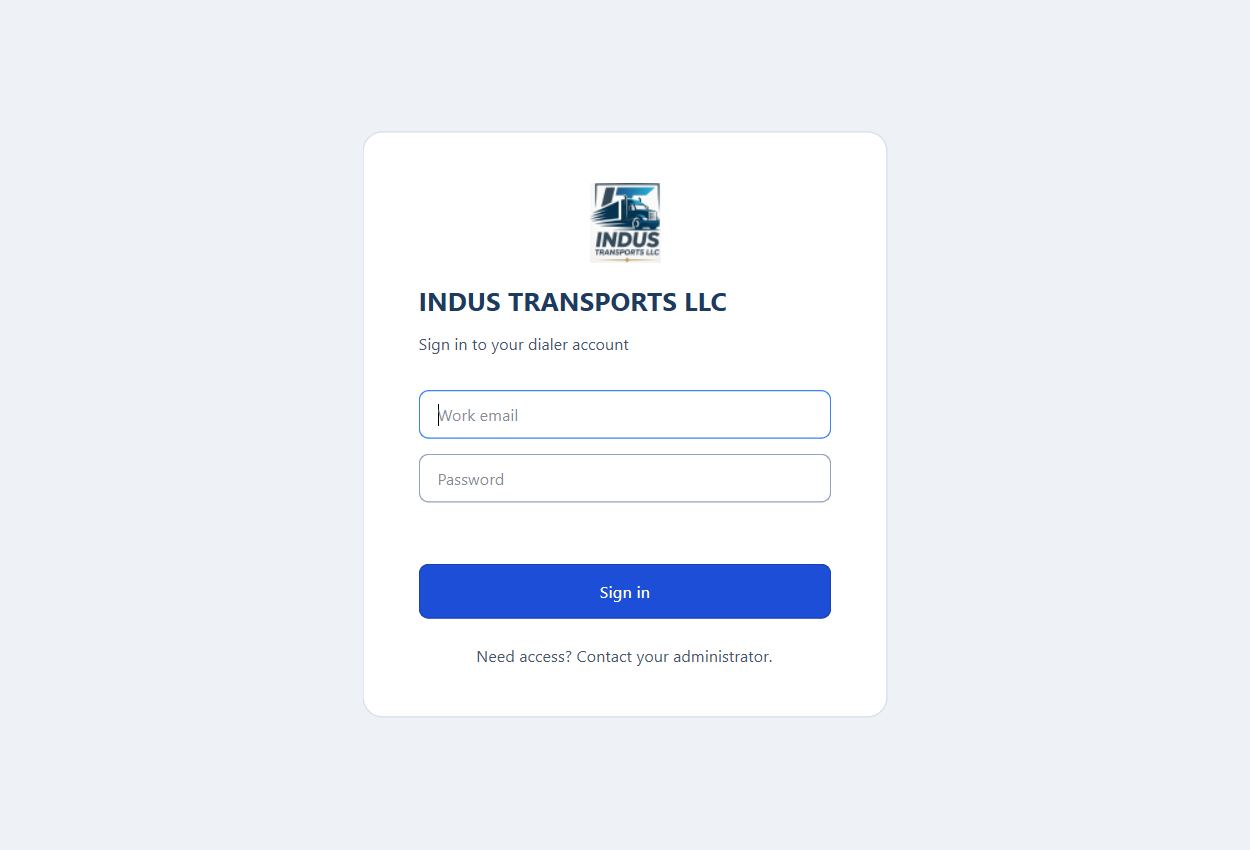
After admin approval, your download includes a signed indus-license-dialer-starter-dom.json file. The app verifies online on startup and locks when your period ends.
Choose a Plan
Starter
$29/month
- 1 agent seat
- Single line
- Excel import
- Call logs
30-day access · Requires admin approval
Pro
$49/month
- 3 agent seats
- Single line
- CRM module
- Priority updates
30-day access · Requires admin approval
Setup Guide
Follow these steps after your subscription is approved.
Requirements
- • Windows 10/11
- • Python 3.10+
- • Google Voice account
- • Excel contact list
Installation Steps
- Download and extract ZIP.
- Run: pip install -r requirements.txt
- Launch: python auto_dialer.py
- Load Excel contacts → click Start.
- Use hotkeys for pause/resume. Logs export to CSV.
- Copy license file to app directory.
Need help? Email induswebagency@gmail.com or use the INDUS Guide chat (bottom-right).